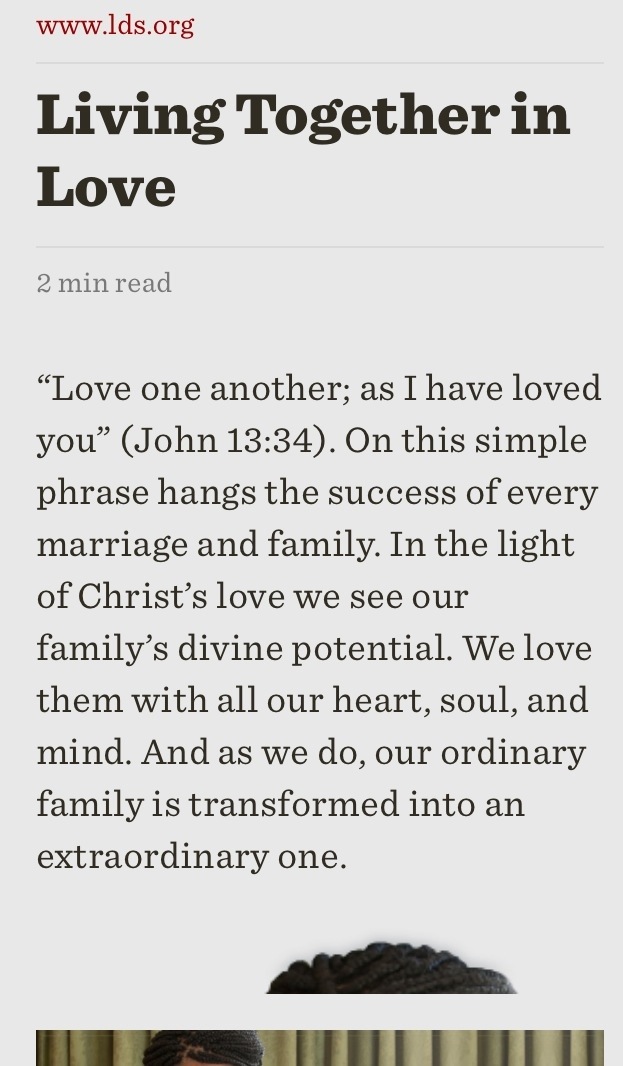
Readability is how I view complex websites.
- Initially, double click the text blocks, not on a link, to center the text; another double click will restore the webpage to full view.
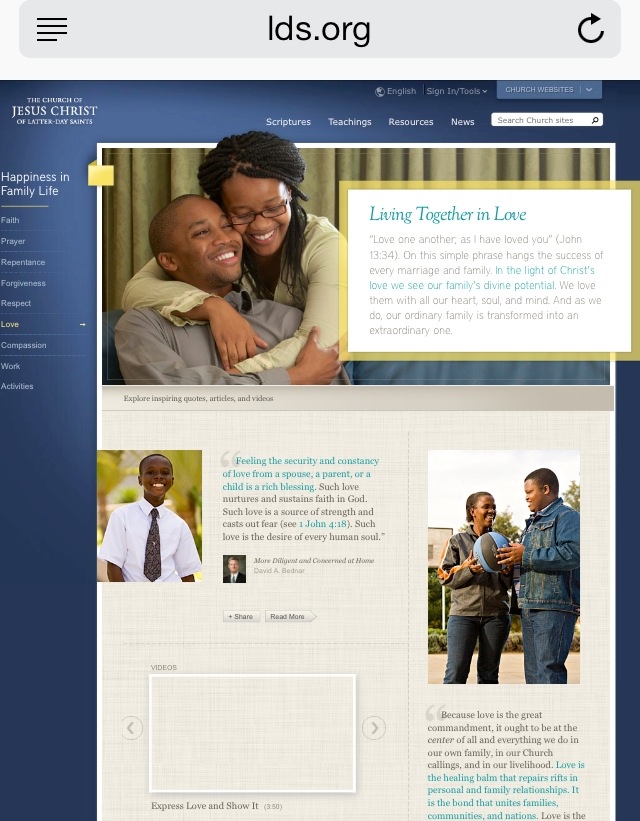
I will use this webpage as my example:
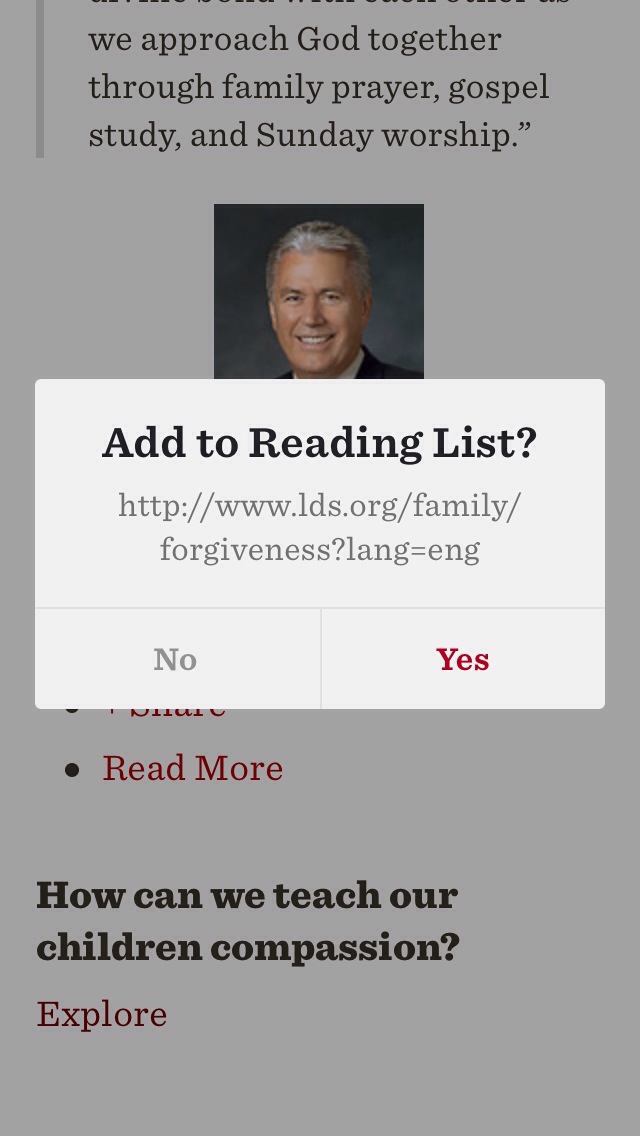
Readability starts by checking in the iPhone paste buffer for a URL, and then asks you if you want to add that URL to your reading list.
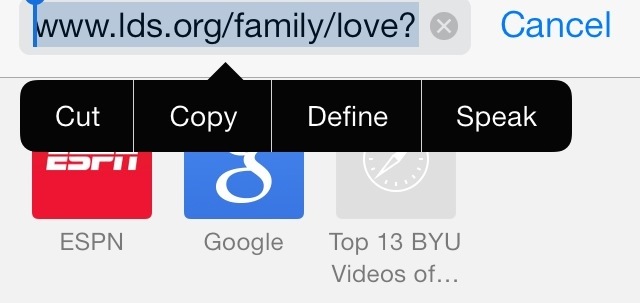
A. The URL can be copied from the address field above the webpage.
1. Holding figure down on address field will result in a popup menu.
2. Select All
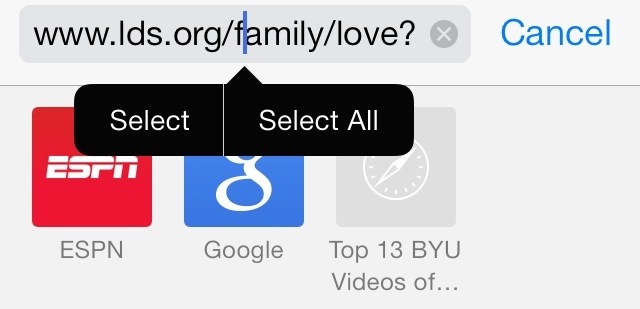
3. Copy.
4. Start Readability
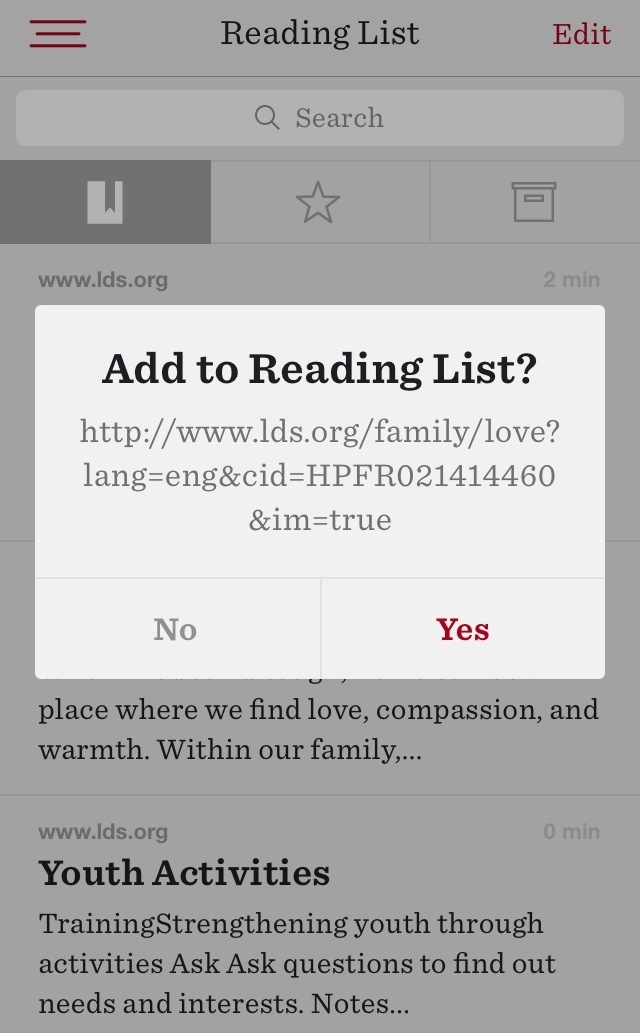
5. Yes
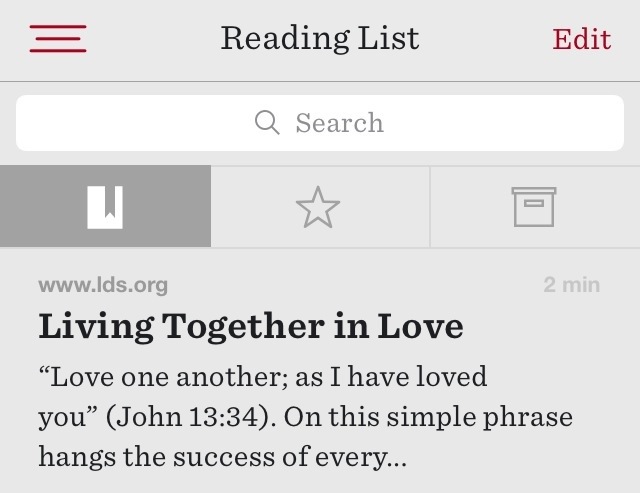

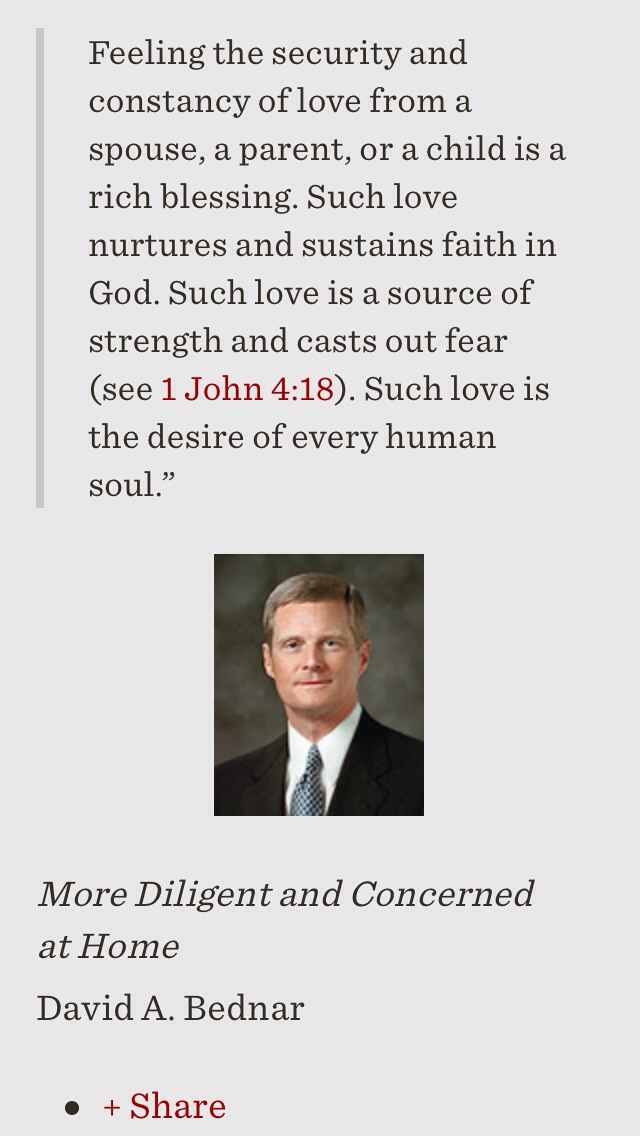
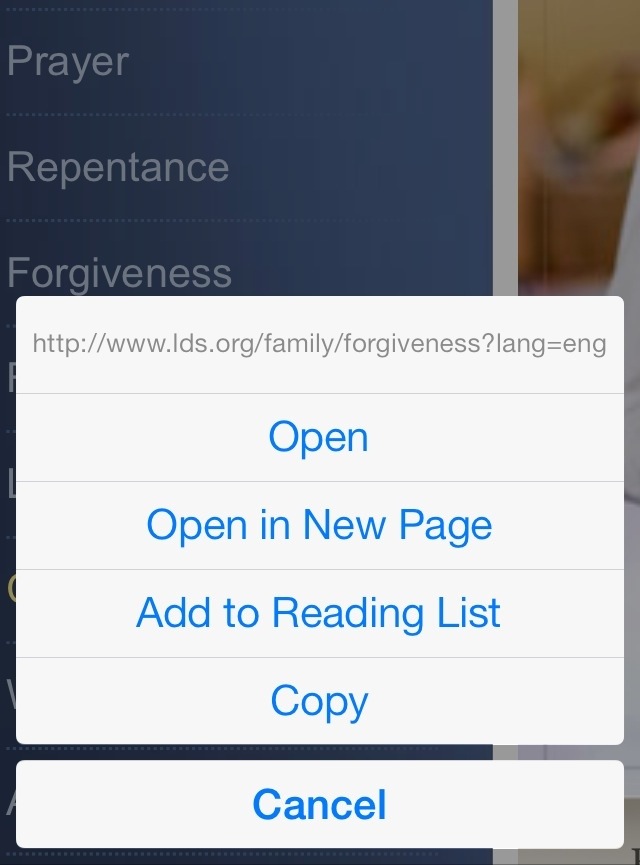
B. The URL can be copied from the link text or from link graphic.
1. Holding your finger down where you normally just click will cause a pop-up menu.
2. Copy.