
UPDATE:
Teaching Children? Find Helpful Resources on LDS.org – Church News and Events
Primary Videos Download
Press Release: “Teachers and parents can now download hundreds of videos for children at friend.lds.org to show in the classroom or at home.”
How to Download these videos:
Setup
Assumes you have a download app installed on your iPhone. I recommend the following.

I recommend buying the Pro version, see Pro in title, as the free version has many too many ads.
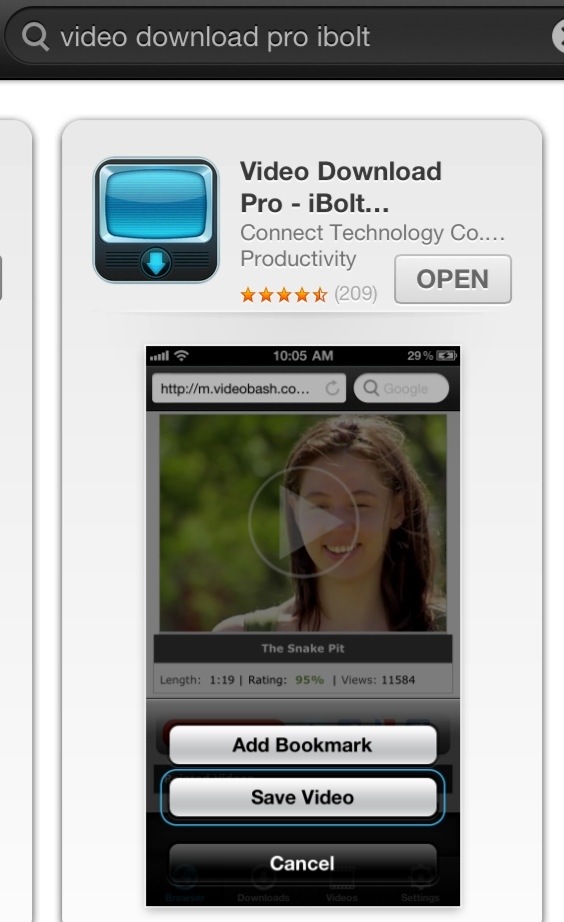
During installation it reminds you about web content. Good advise.
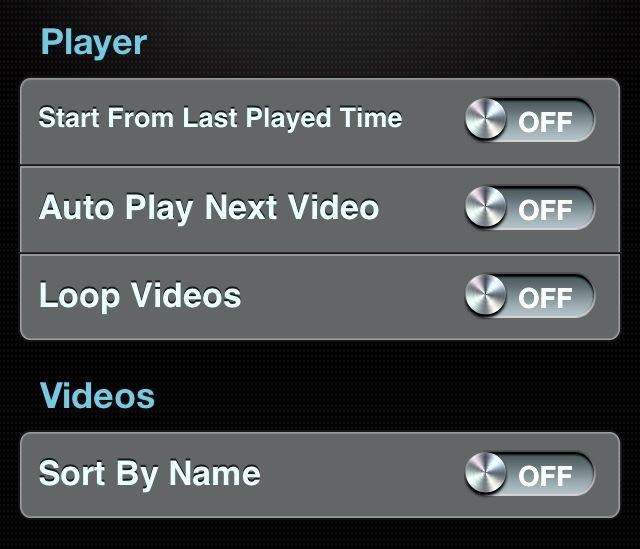
I recommend turning the following off to start.
Click SETUP icon
Click BROWSER
Click Bookmark icon
Click EDIT
Click NEW BOOKMARK
Enter page name: PRIMARY
Enter link, cut and past this:
http://www.lds.org/friend
Click SAVE
You can move it to the top using the slider on the right side.
(Or you can delete the other links to avoid questionable content mentioned in their warning.)
Click DONE
(Finished setup)
Repeats
Click BROWSER
Click BOOKMARK icon
Click PRIMARY
Click WATCH VIDEOS

Decide which video you want.

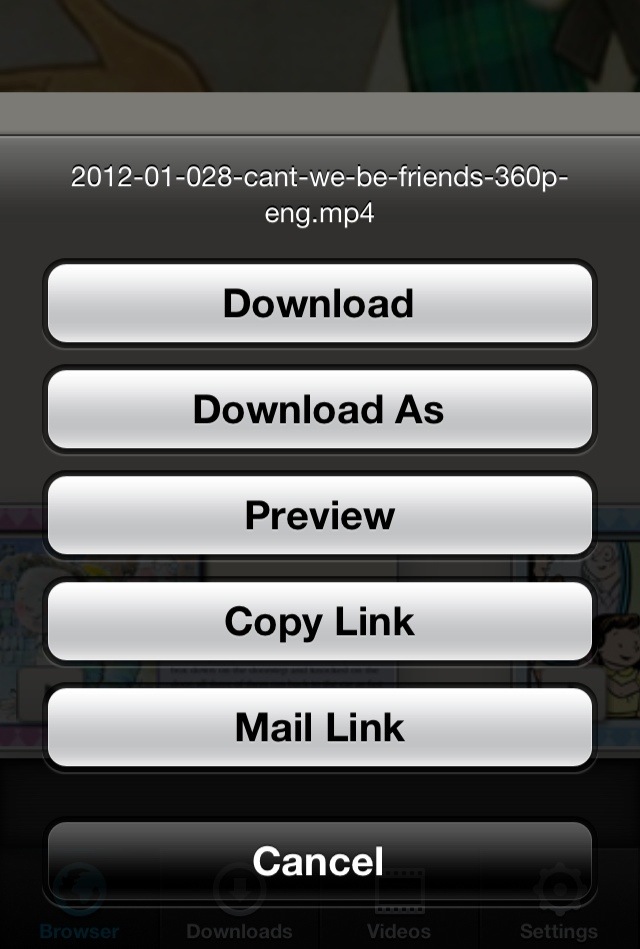
Click the download icon  associated with the video window.
If you do not get a popup then click it away sometimes there really small and if you still don’t make sure you are accessing the web page from inside the download app.
Click DOWNLOAD AS
Name it something that helps you to locate this video later in class.
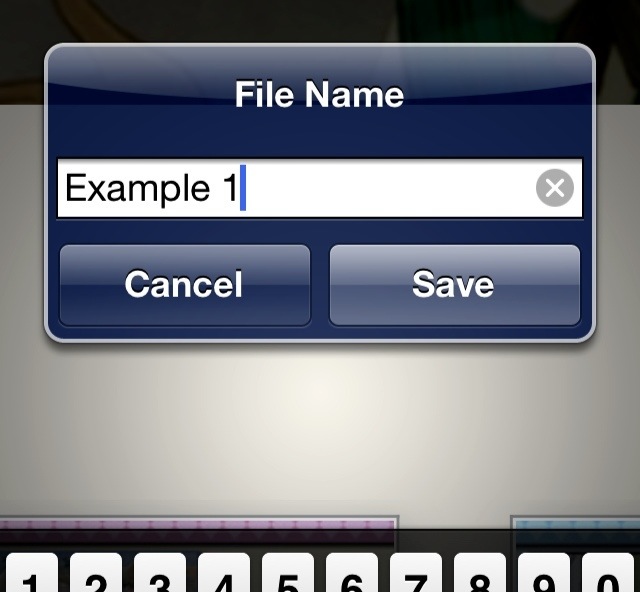
Click SAVE (Repeat clicking Downloads, name and save)
Wait for them to finish downloading before disconnecting from Wifi.

Click VIDEOS to watch.
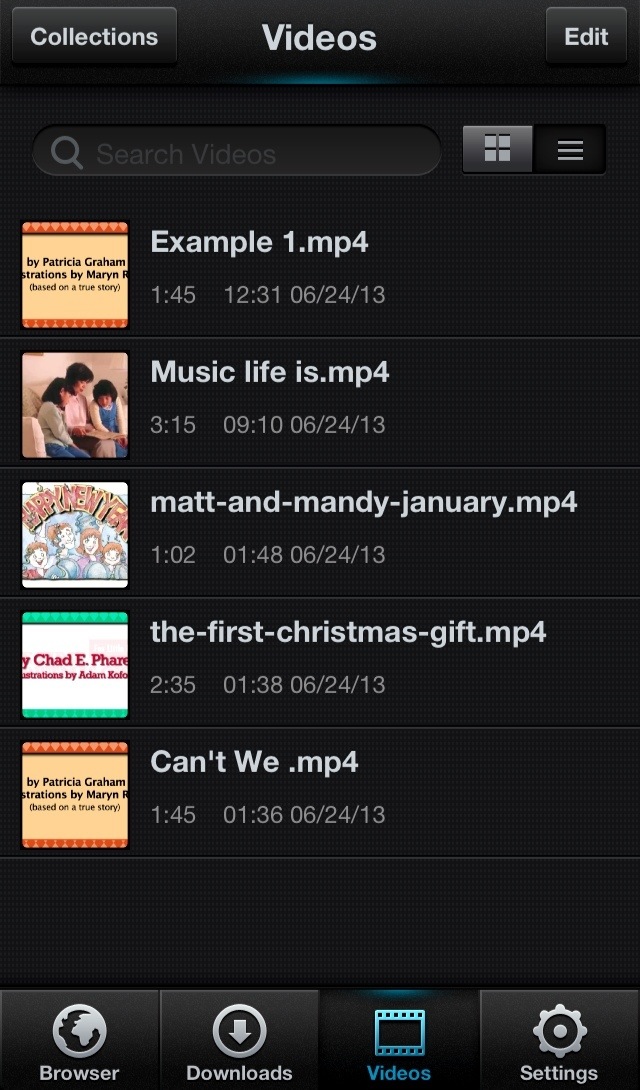
Other LDS bookmarks:
Collections can be used later if you want to keep some to watch again.