
UPDATE:
Using PODCASTS, ENSIGN, I can setup listening straight thru; varying the speed, pausing, repeating…
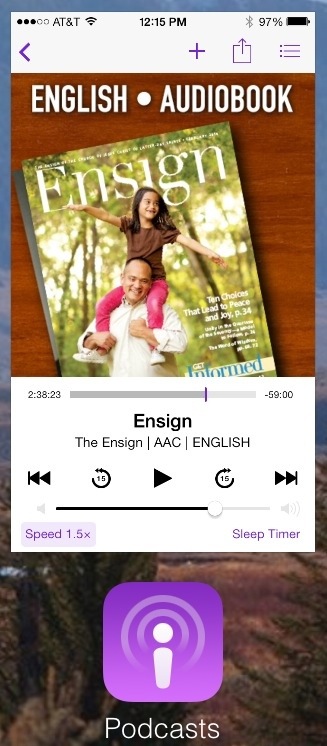
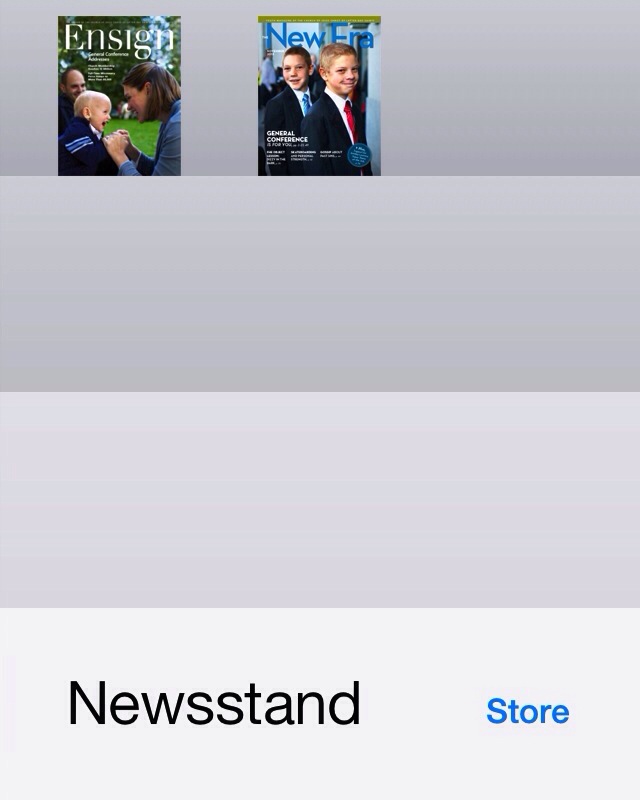
And Newsstand, Ensign, flowing alone (pausing to ponder) to enjoy the art.
Read this article as part of your Olympics enjoyment, to aid in having a current understanding focusing the relevance of your prayers. Related Topics: Citizenship
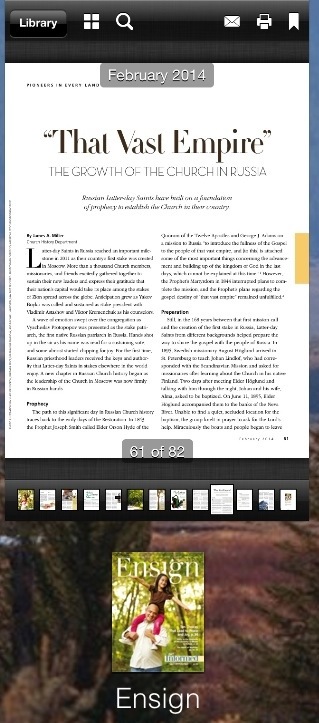
Or LDS Library, Ensign, to record notes (sometimes both).
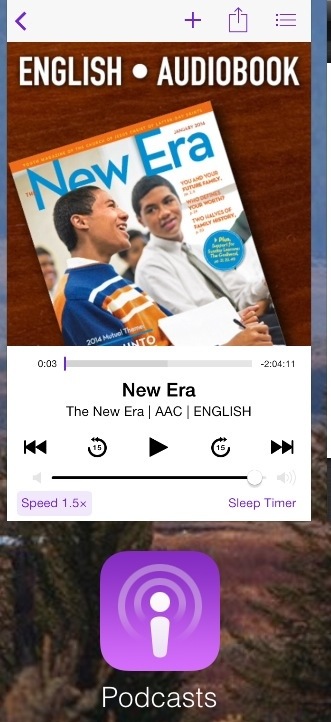
New Era:
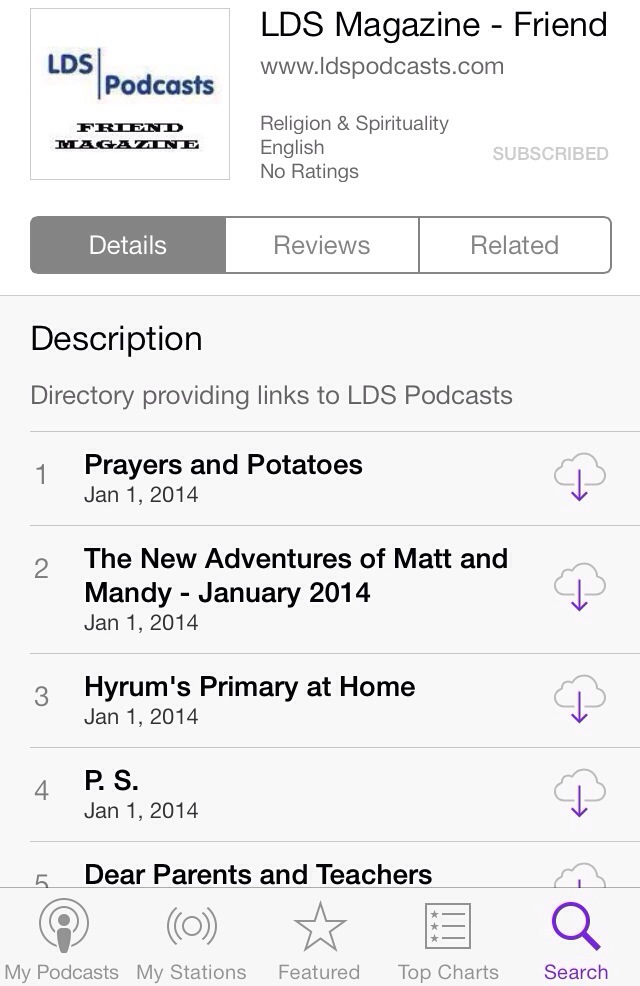
The Friend:
ORIGINAL POST:
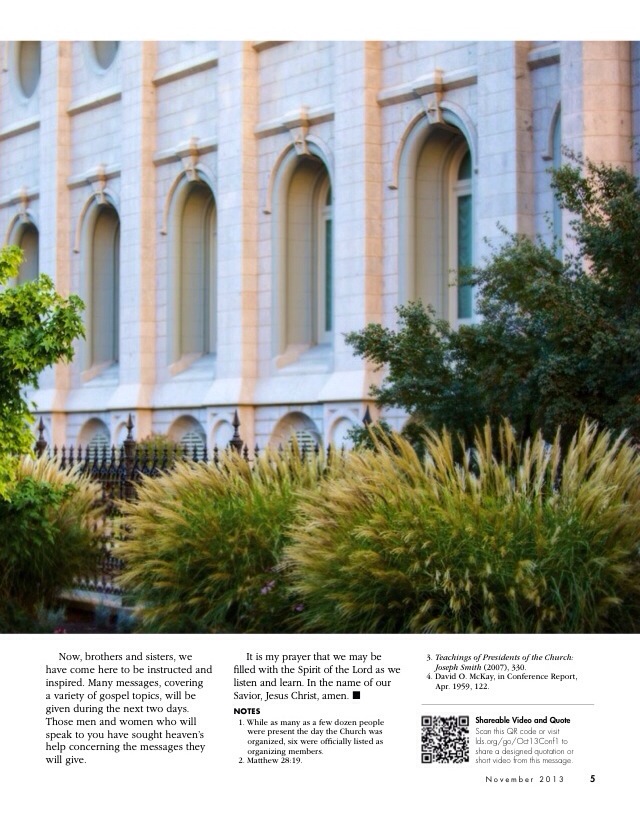
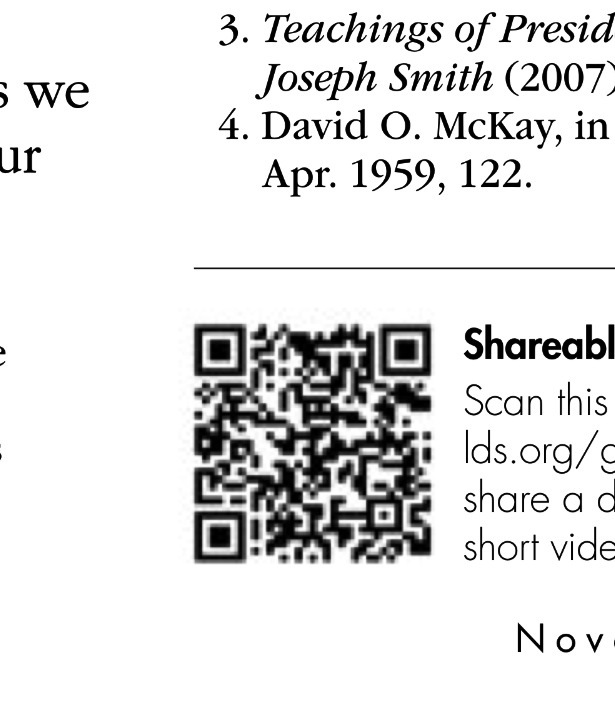
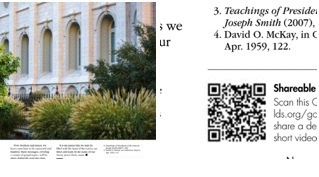
When reading the Ensign in Newsroom look for LDS.org scan codes.
Screen capture the scan code and read its photo via the Scan app.
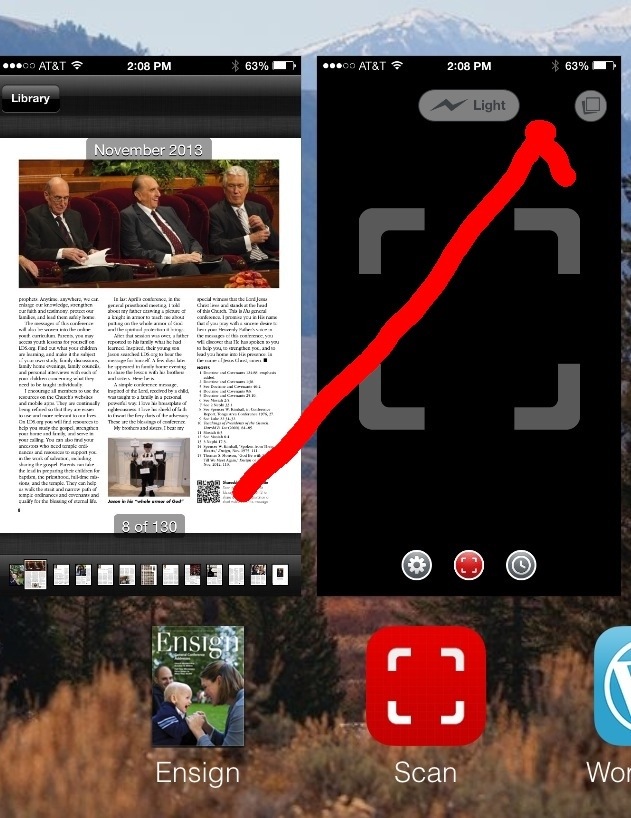
How to :
I use the Scan app.
Zoom before screen shot.
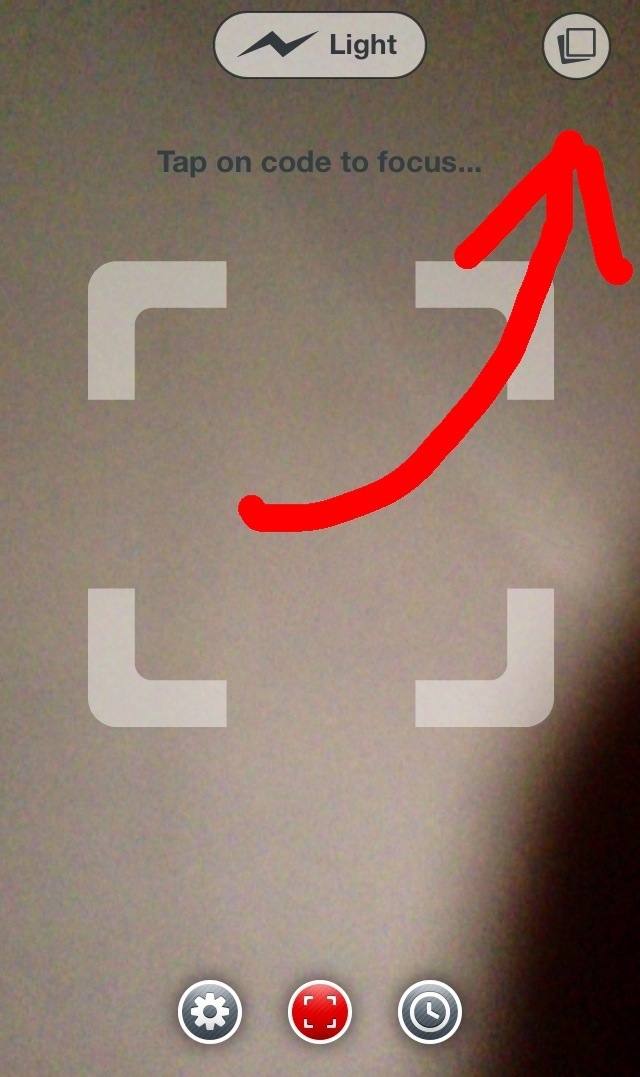
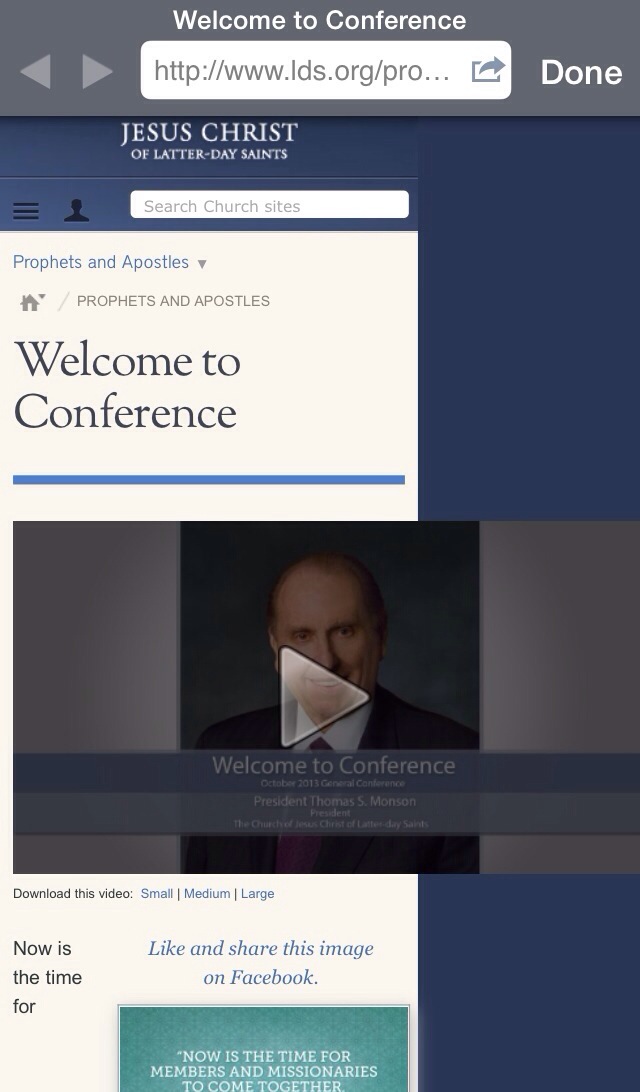
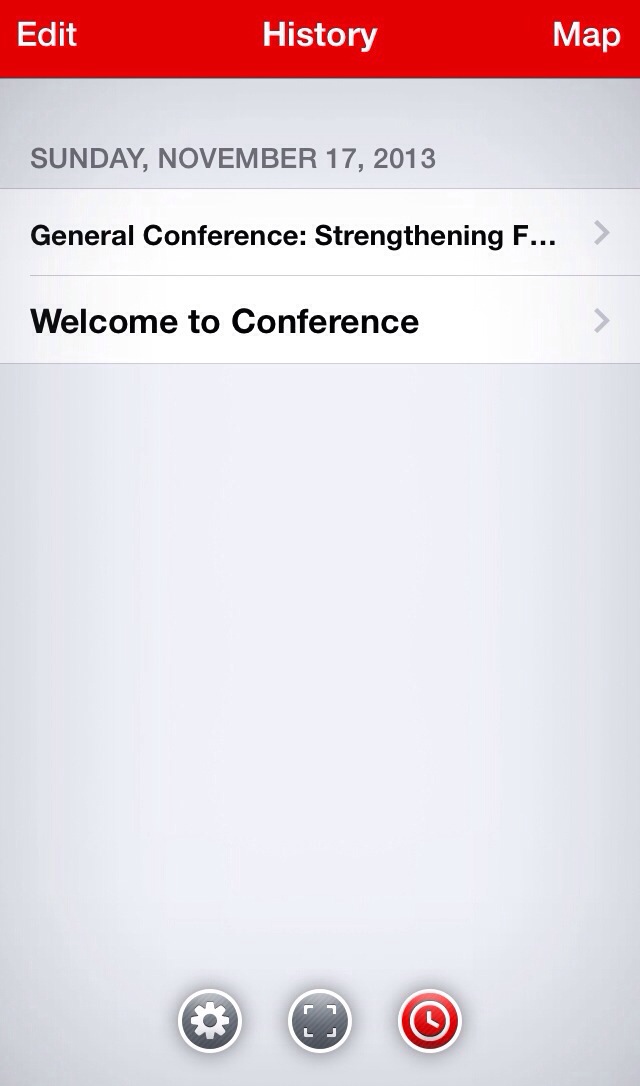
And Scan keeps a history.
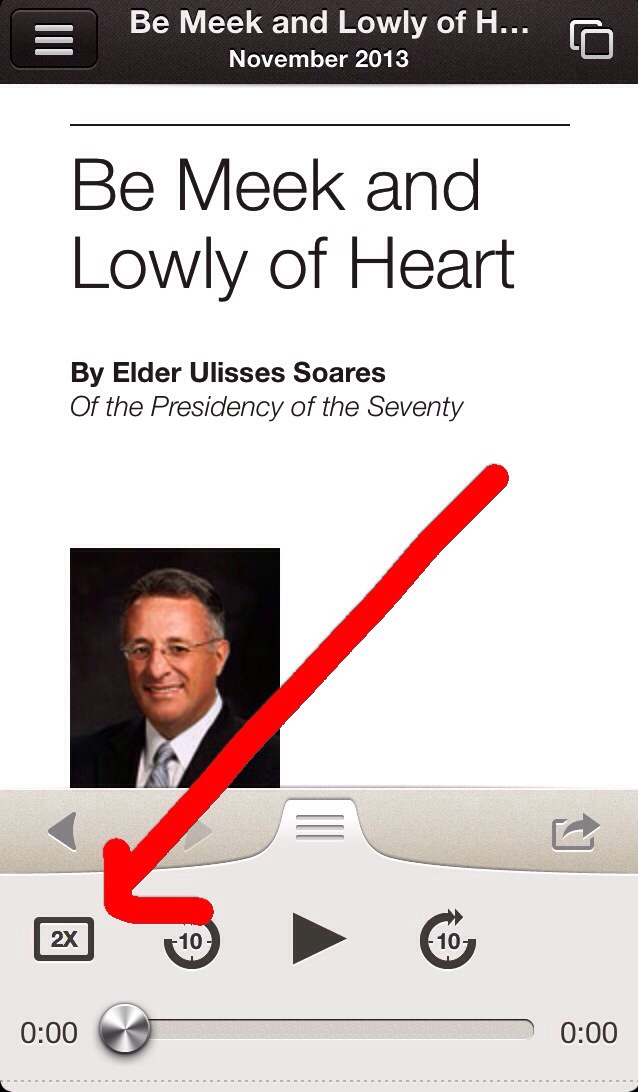
Reminder, listening while changing speeds, rewinding and marking increases my memory, with less mind wondering.
- I do 2x then rewind then reread and ponder, mark then 1x then 2x then stop and research, take links to scriptures, links to those links… 3x is too fast for me the first several listens to the same talk, repetition has many rewards by setting different contexts or perspectives (mine are me, family, talk, teach). …
Find the page in the Ensign, then listening in Library, following along in Ensign, taking LDS.org Scan code links in Scan. The more involved the more I remember later.

-
My favorite Conference story: Brother Mahlang.
Looking forward to Church Releases iPad Version of November 2013 Ensign – Church News and Events, hoping it is not excluded from my iPhone.