
A favorite activity is listening to iPhone Speak read a conference talk or magazine talk (usually linking from an LDS Facebook post [i use Newsify to getting RSS feeds over a hundred LDS RSS feeds a day, what a blessing]),
While clicking on the scripture references.
1. Highlight the text, highlight two paragraphs then drag the left side dot off the left screen side.
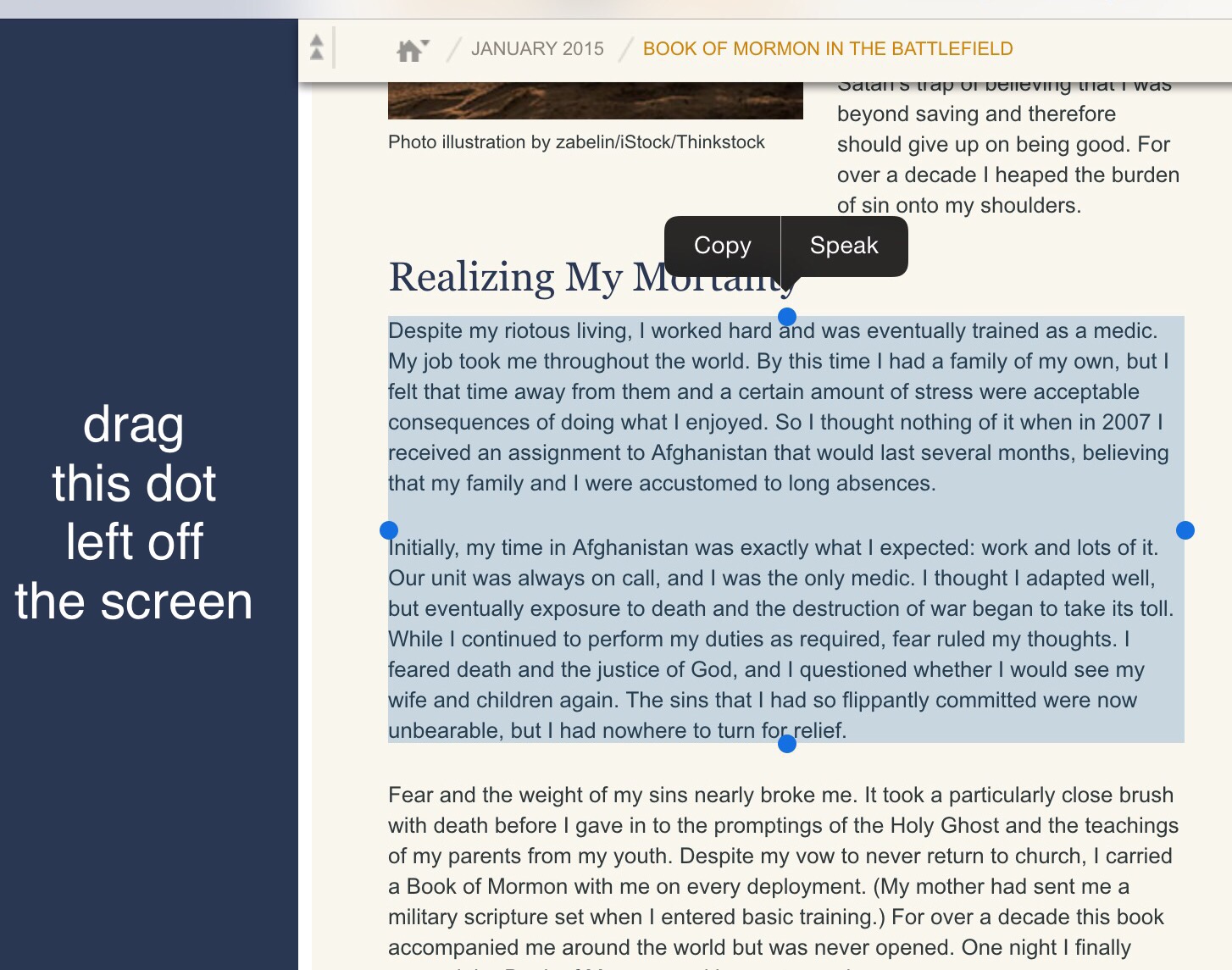
2. Click the highlight.
3. Click Speak. Speak buffers the text and thereby does not require staying on the page being read.
- Speak makes me smile when it says the scripture references in hours and minutes. As a teen I carried a scripture in my wallet I was memorizing, I used hours-minutes as a memory aid, my Branch President’s idea when I was flipping them. I read the scriptures similarly imaging a day, a third in morning, afternoon, night. I was teased a couple of times on my mission when quoting a reference in hours-minutes.
4. Click the highlight again, when it stays and Speak has begun.
5. As it reads, it should highlight the word being read.
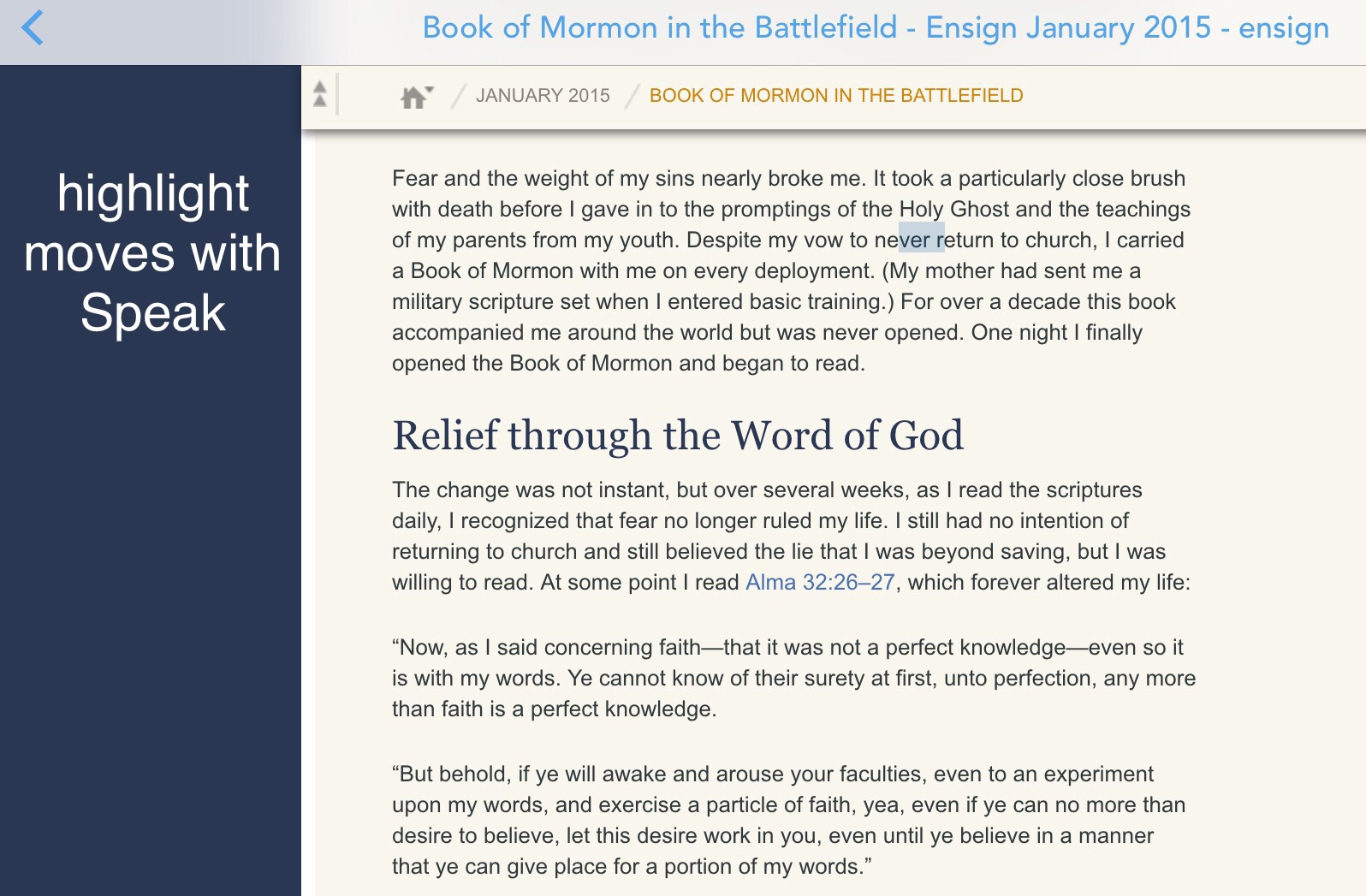
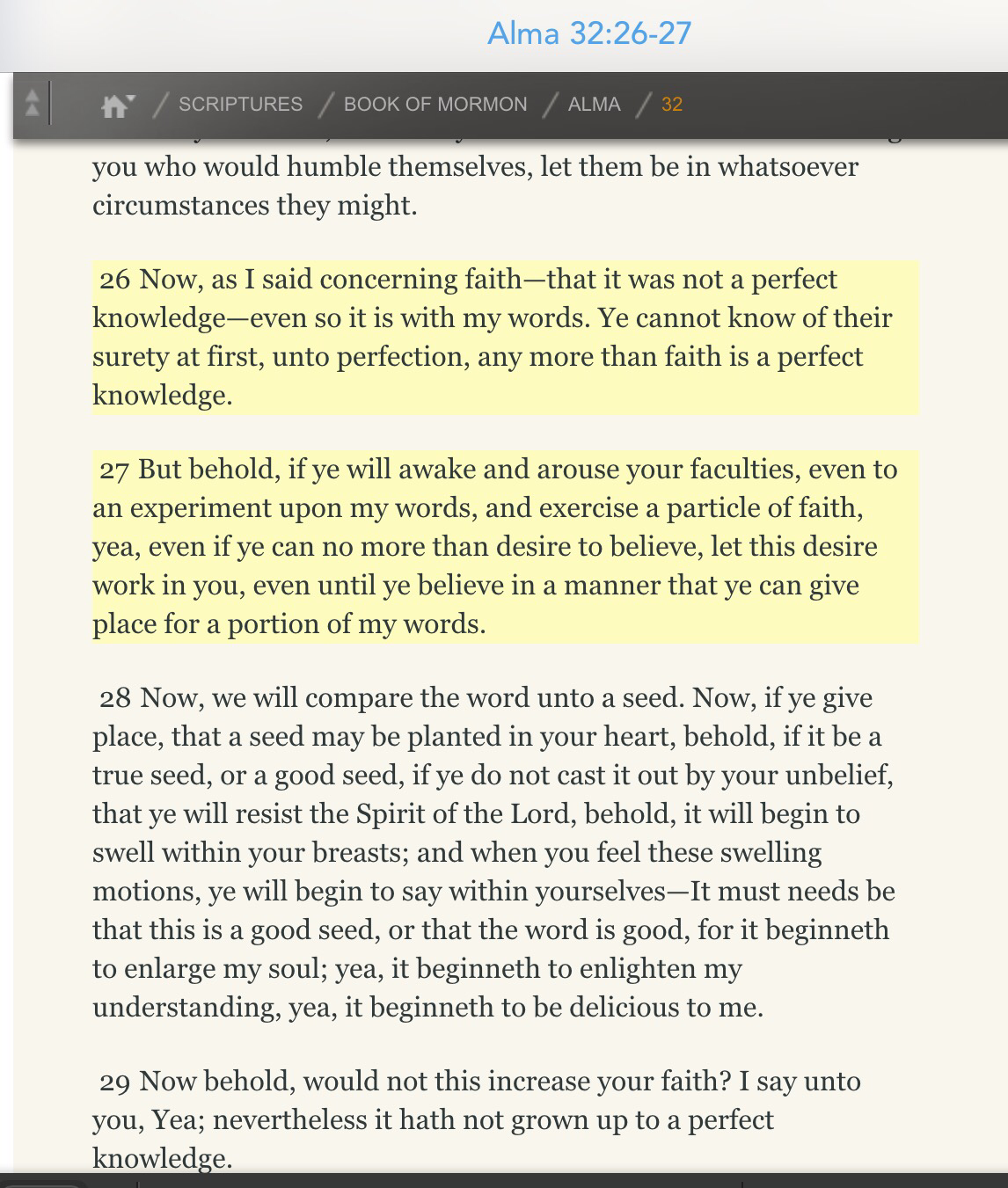
6. Click a scripture link, the screen should jump there while continuing to read.
One of my Christmas presents was a set of these smallest printed scriptures, the text about the size of most on my iPhone. There are times when carrying the Book of Mormon comforts me.