
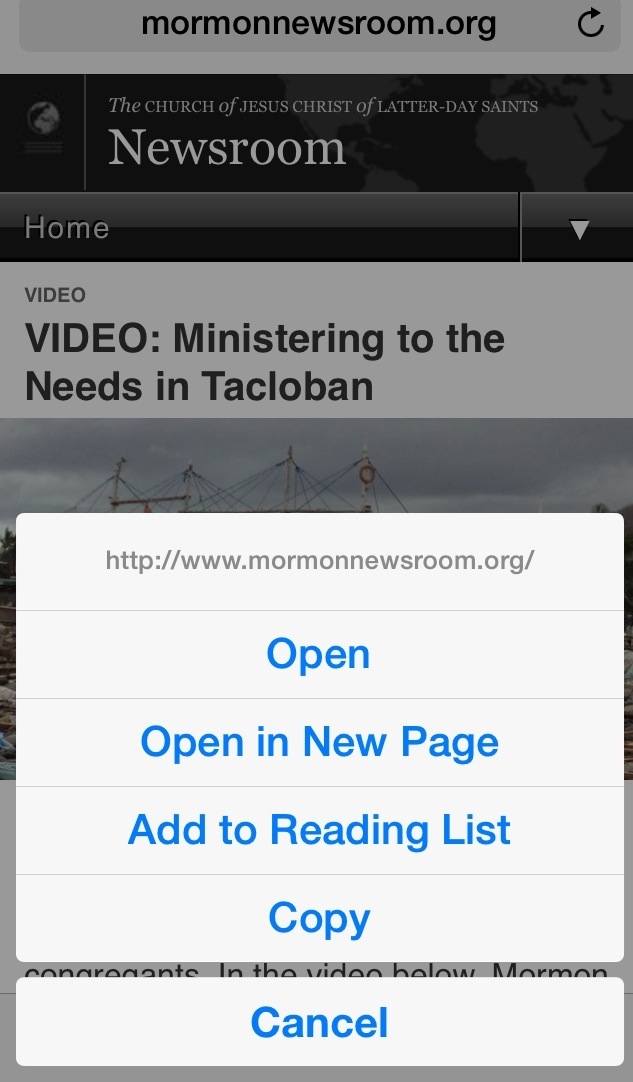
Pause (a very slow click) on the link, “Copy”, double-click in a Notebook and “Paste”.
That easy.
Also for storing links to photos.
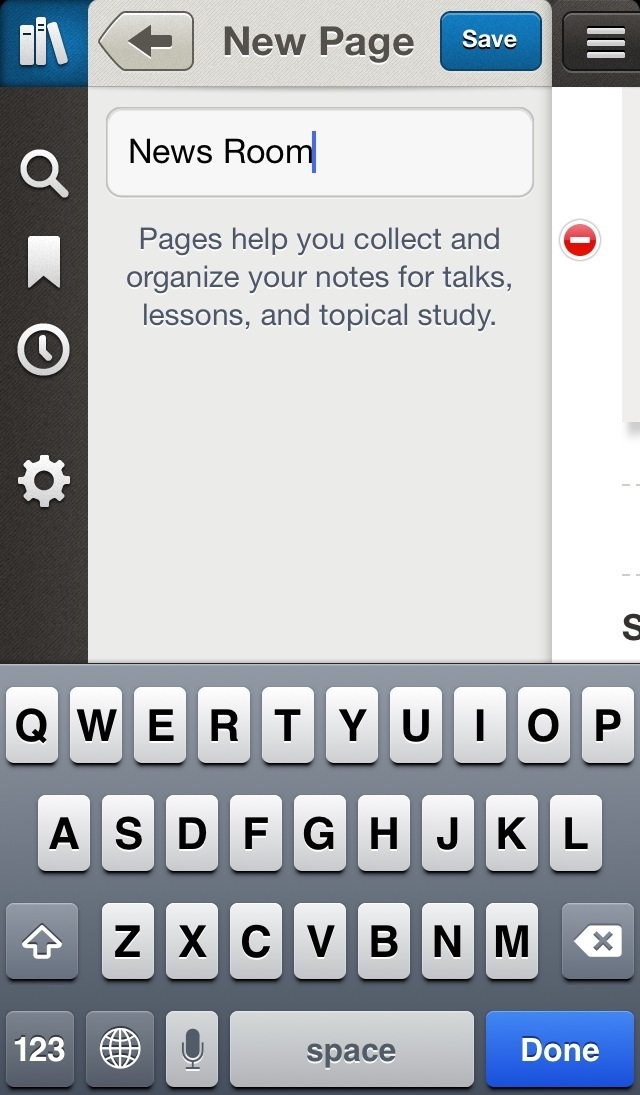
This example creates a new Notebook called News Room and saves the link to LDS Newsroom.
Pause on Newsroom and then select Copy. This stores the link in the paste buffer.
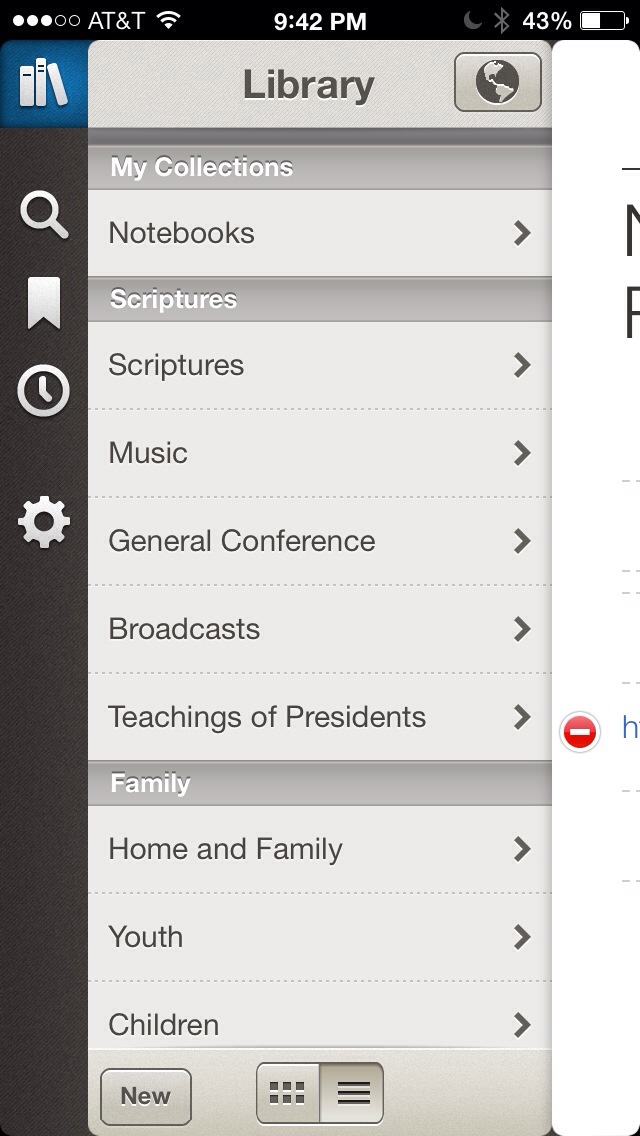
Start LDS Library
Creating NEW (see bottom) Newsroom
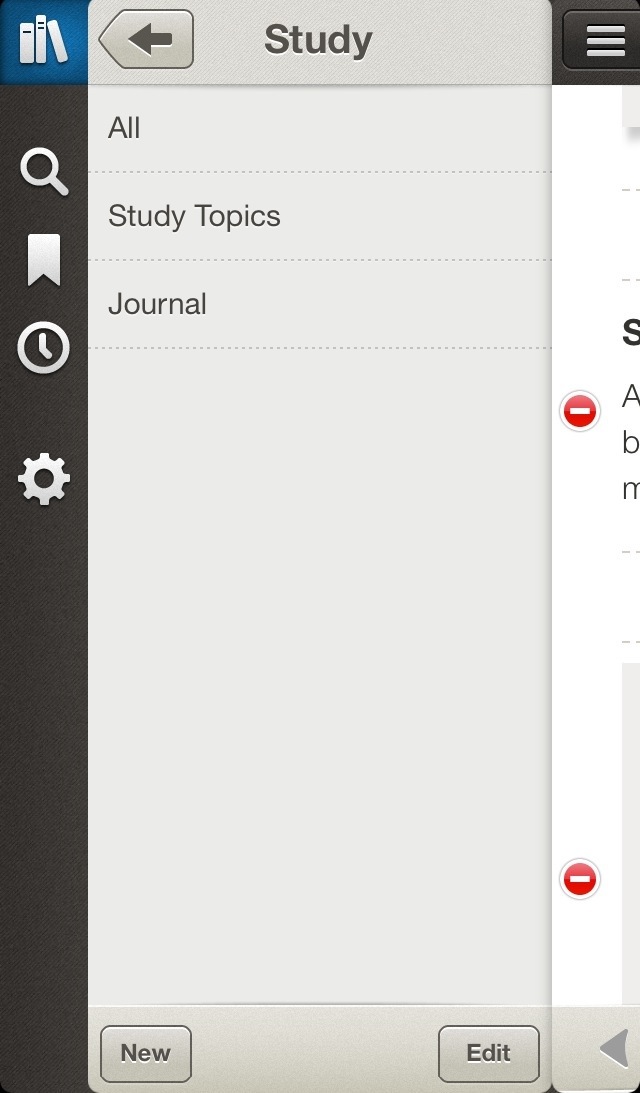
Click the note icon at bottom then the Plus sign to add notes.
Double click note and “Paste”.
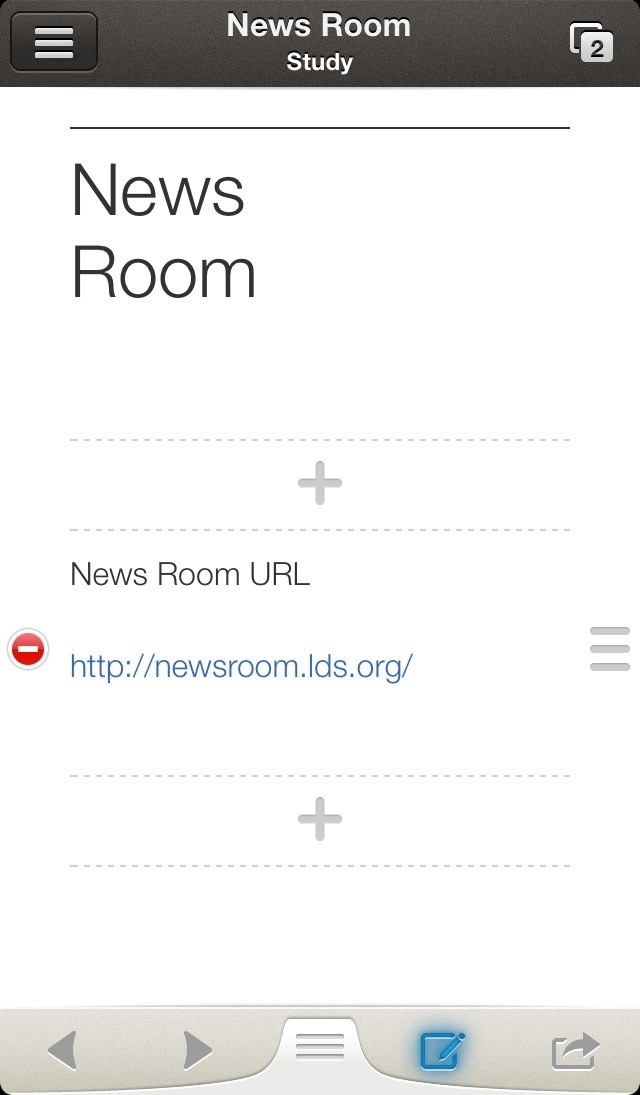
After the link changes color, clicking the link will branch to the LDS Newsroom web page.