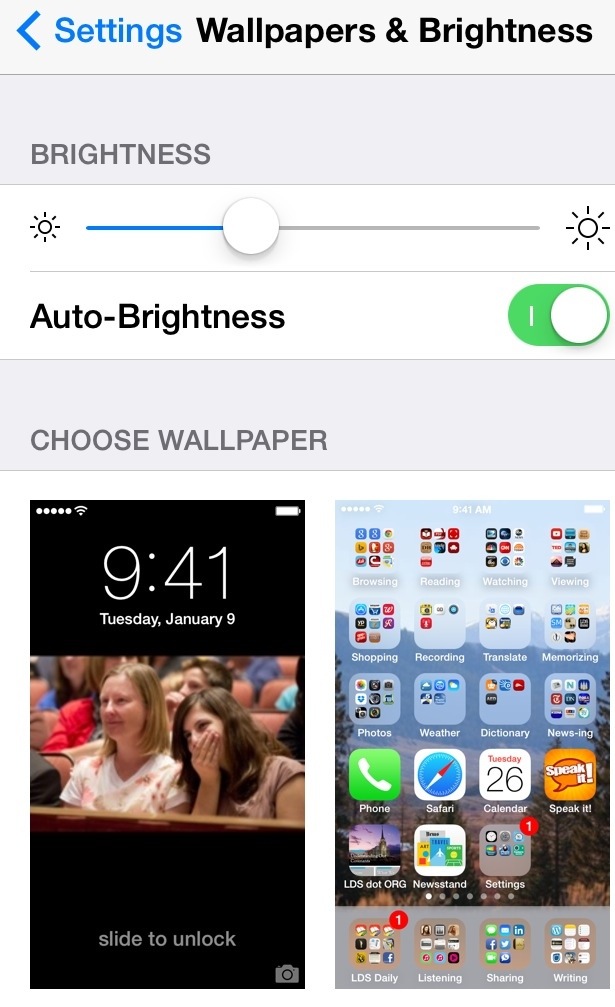
Example: Pausing (a very slow click) brings up this menu:
“Copy” saves the link to the paste buffer
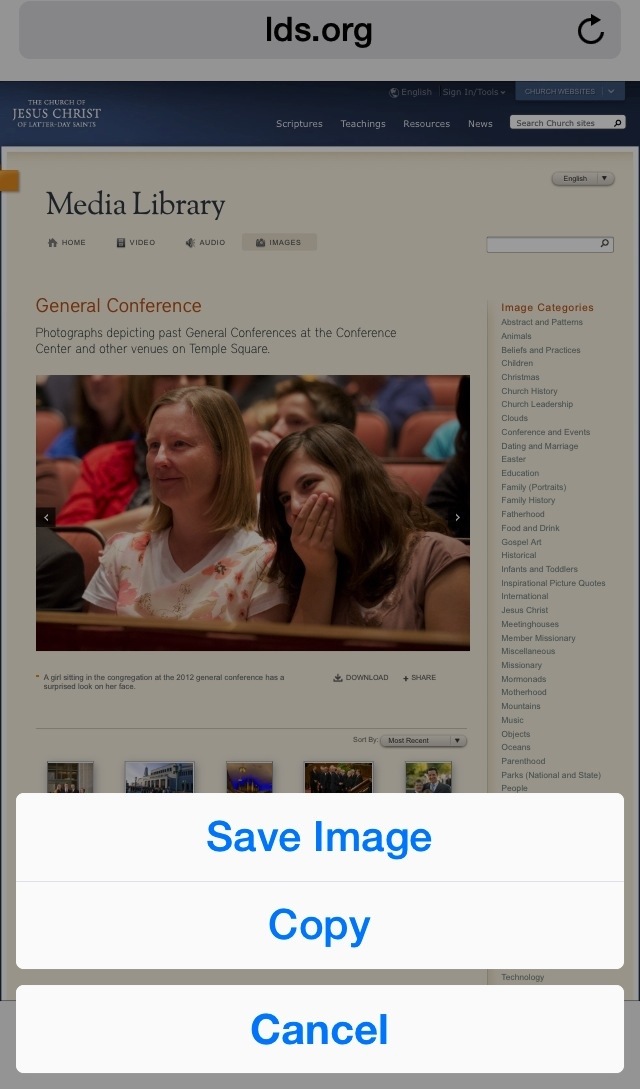
Another pause.
“Save Image” stores the photo to your Photos Album:

Then create your tweet:
1. Write your message
2. Double click and Paste the Link
3. Import the photo
4. Update your message, as I learned specifics from the URL.

Works the same for Facebook.
My kebotx’s Today’s Smile Moment Fun Laugh Quote Wonder Prayer Miracle Tweets
I try to always put a link where I found the photo and have found from experience that this is an excellent visual index for me to get back to the webpage source, especially when from a video snapshot.
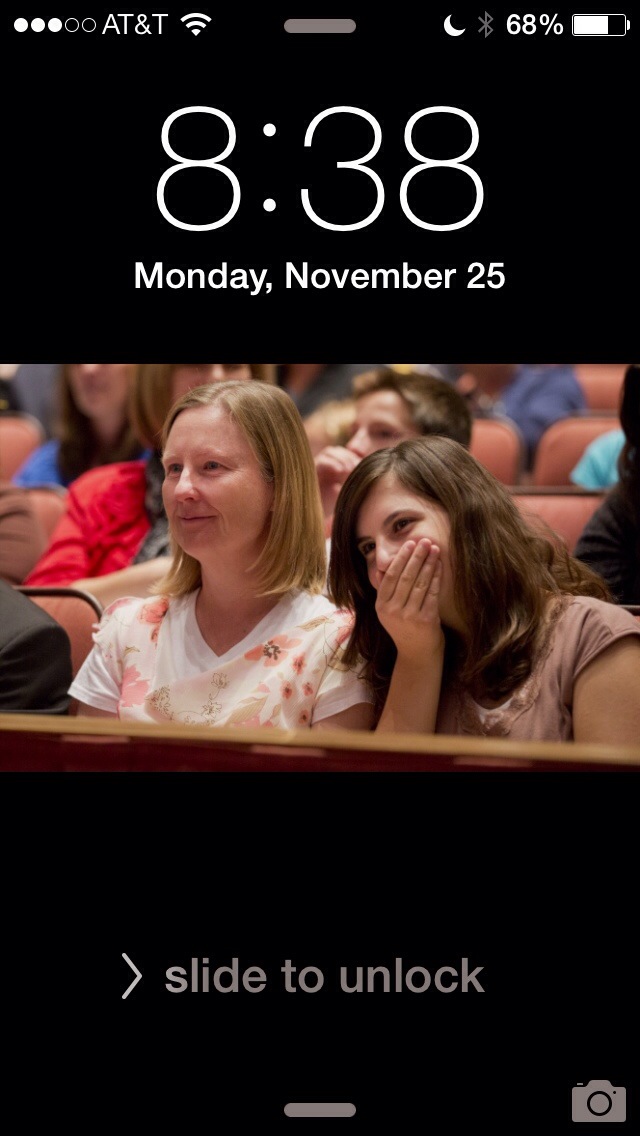
Then use the image on your Lock Screen
Open the photo in your photo album

Click in the black space

That image is usually sized correctly
Do a screen snapshot, simultaneously click Home and Power
Use the screenshot as the Lock Screen’s Wallpaper